




Carlospin App
The Carlospin app gives players a practical way to use our casino across mobile and desktop devices. It suits quick sessions on a phone, longer play on a tablet or computer, and regular access without turning every visit into a browser search.



Benefits and Features of the Carlospin App
The Carlo Spin app runs as a PWA, so you open it through the browser but use it from a saved icon. This keeps the setup simple: no store search, no manual installer, and no separate casino version to manage.
For everyday play, the app gives you a few practical advantages:
- Quick launch: open Carlospin from your home screen or desktop instead of searching for the site each time.
- No extra download: use the PWA without an app store or separate installer.
- Full lobby access: play from the same Carlospin platform, with more than 6,000 games available through mobile and desktop browsers.
- Simple account use: manage your profile, cashier, promotions, and support from one familiar platform.
- Better fit for short sessions: return to Carlo Spin quickly when you want to check an offer, play a few rounds, or continue later.
On mobile, the app keeps the casino focused on the actions players use most often. The screen has less room than desktop, so the saved icon helps you get back to Carlospin without opening a full browser session first.
That is why we do not offer a separate APK file. The Carlospin APK would only add another installation step, while the PWA already covers the app-style access players need.
Pros and Cons of Carlo Spin App
The Carlospin app is built for quicker access rather than a separate native-app experience. That gives it clear advantages for everyday use, especially on mobile, but it also means the app follows the same browser-based logic as the main website. The table below shows where the PWA format works best and where desktop play may still feel more comfortable.
| Area | Pros | Cons |
| Access | You can launch Carlospin from a home screen or desktop icon. | The app still needs a stable internet connection. |
| Installation | No app store download or separate package. | New players may need a minute to understand the PWA format. |
| Mobile play | The app keeps the lobby, cashier, promotions, and support close on smaller screens. | Some live dealer games feel more comfortable on a larger display. |
| Desktop shortcut | Mac and Windows users can add a Carlo Spin icon for quicker entry. | A shortcut does not replace full browser use when you need several tabs. |
| Updates | You always open the current web version of Carlospin. | Browser settings can affect how shortcuts appear on different devices. |
Carlospin App for Android
Android users can add Carlospin to the home screen through Chrome or another compatible mobile browser. The process takes less than a minute and gives the casino its own icon on your phone or tablet.
To add Carlospin on Android:
- Open Carlospin in Chrome on your phone or tablet.
- Tap the browser menu in the address bar.
- Choose Add to Home screen.
- Confirm the shortcut and place the Carlo Spin icon where you want it.
After that, the Carlospin icon appears with your other apps. This setup suits players who visit the casino often, because the shortcut gives Carlospin its own place on your phone instead of hiding it among regular browser tabs. Tap the icon, sign in if needed, and start from the lobby or account area.
Android is useful when you want to open Carlospin quickly and play without moving to a computer. It suits short visits during the day, while longer sessions may feel better on a larger screen.
We keep the Android experience focused on access rather than heavy installation. The shortcut gives you a cleaner way to reach the same Carlo Spin platform without creating a separate mobile setup.
Mobile Application for iOS
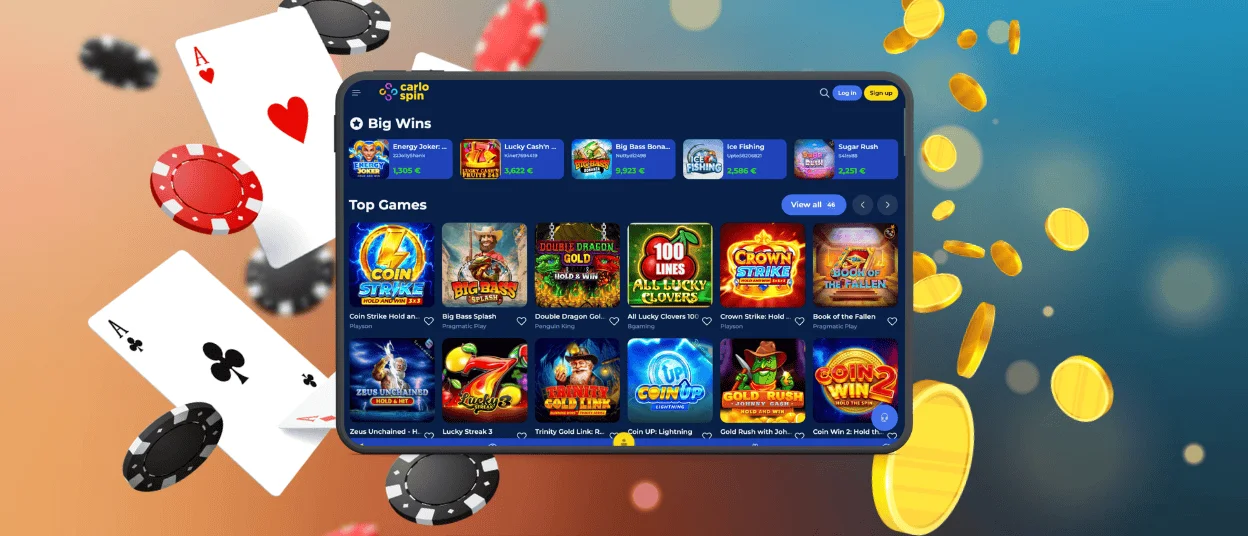
The Carlospin mobile application for iOS also uses the PWA shortcut format. On iPhone or iPad, Safari lets you place Carlospin directly on the Home Screen, so the casino opens from its own icon like a regular app.
Here is the iOS flow:
- Start in Safari, not a third-party browser.
- Go to the Carlospin website and open the share menu.
- Scroll to Add to Home Screen.
- Check the icon name, then tap Add.
iPhone works best for quick access and shorter sessions. On iPad, Carlo Spin feels closer to desktop use: the lobby has more breathing room, and live games are easier to follow. The same Home Screen icon works for both devices, so you can return to Carlospin without opening Safari first.
Play Carlospin Casino on Mac or Windows
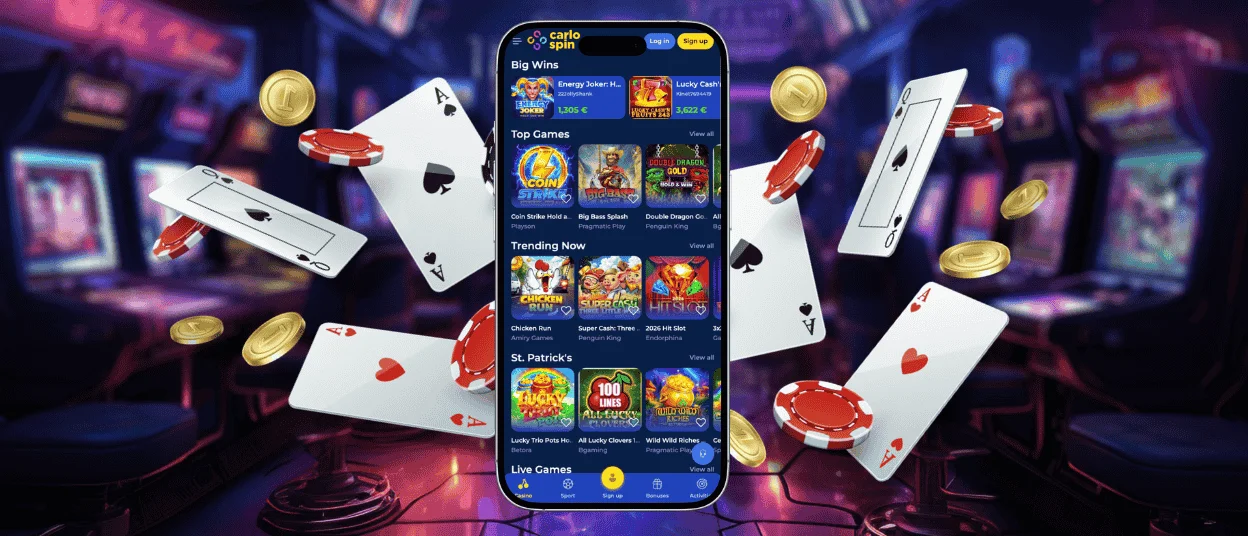
Carlo Spin also works as a desktop shortcut on Mac and Windows. You can play directly through the website, but a saved icon gives the casino a dedicated place on your computer. That helps if you return often and do not want to search for Carlospin in the browser each time.
Desktop play suits sessions where you want a wider view and fewer limits from a small screen. It can feel more comfortable when you spend time in live casino, review promotion details, or handle account actions that need a little more attention. The app-style shortcut keeps that desktop comfort, but removes one small step before you enter Carlospin.
Security stays part of the main platform as well. We use SSL encryption to protect customer data, and account checks may apply when payment activity requires extra confirmation. The PWA does not create a separate payment environment; it gives you a faster route into the same Carlospin cashier and account system.

FAQ
Can I log in to the Carlospin app with the same account I use on PC?
Yes. Your regular Carlospin login works in the app as well. Open Carlo Spin from the shortcut and sign in the same way you do on the website.
Are bonuses and tournaments available on mobile?
Yes. You can open the Promotions area from mobile and check current offers or tournament pages there. The app does not turn Carlospin into a limited mobile-only version; it gives you access to the same platform in a more convenient format.
What happens to my balance if I switch devices?
Your balance stays with your Carlospin account. If you leave the casino on one device and open it later from another, you continue with the current amount in your account.
Is real-money play safe in the Carlo Spin app?
Yes. The app shortcut opens Carlospin through the same secure connection as the website. We use SSL encryption, and players verify their account before real-money play begins.


